Narrative Reports
Narrative reports that take minutes, not your whole weekend.
ChiroReports builds a complete clinical narrative from your exam findings and diagnoses, with the impairment section included, ready for the chart and the case file.
Free forever plan. No credit card required.
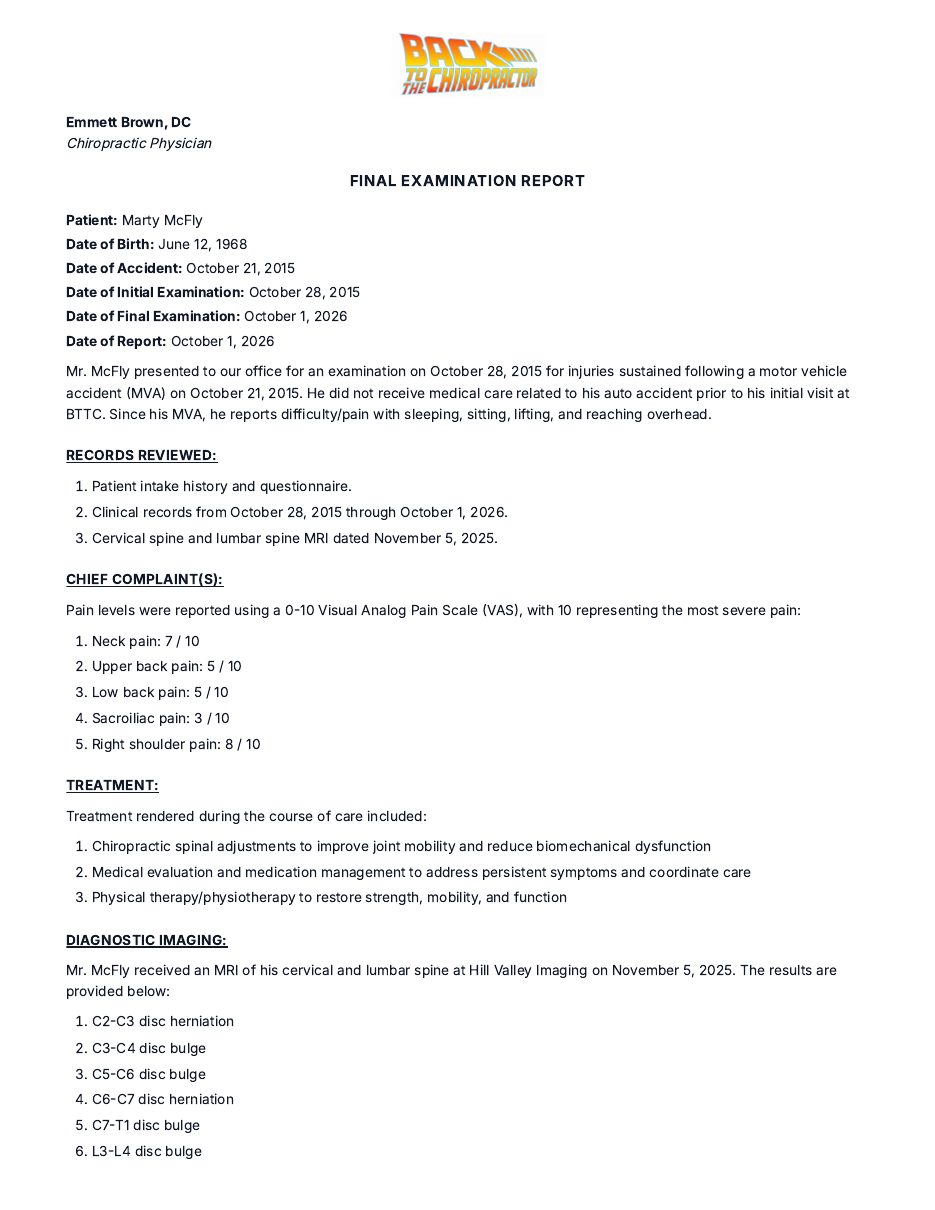
The Finished Report
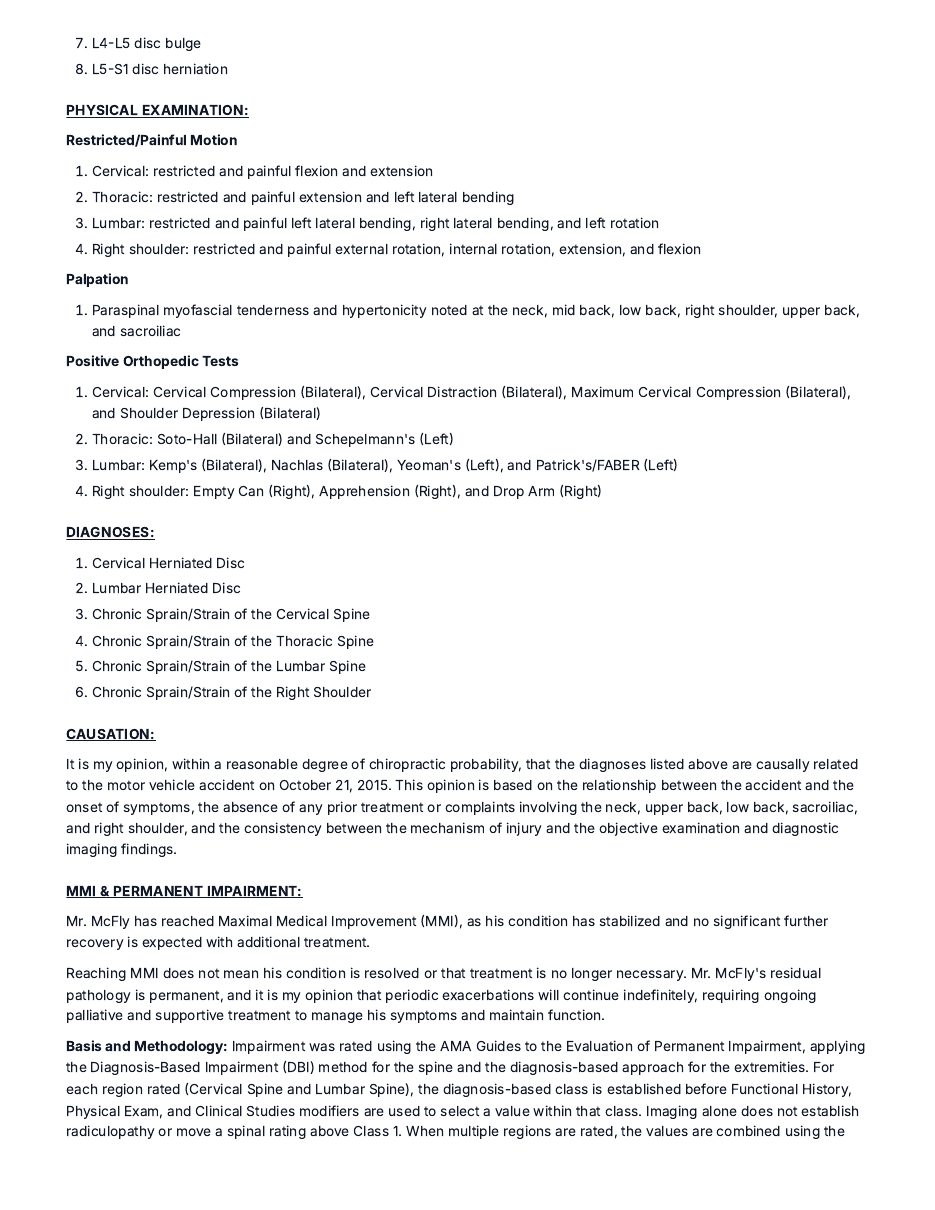
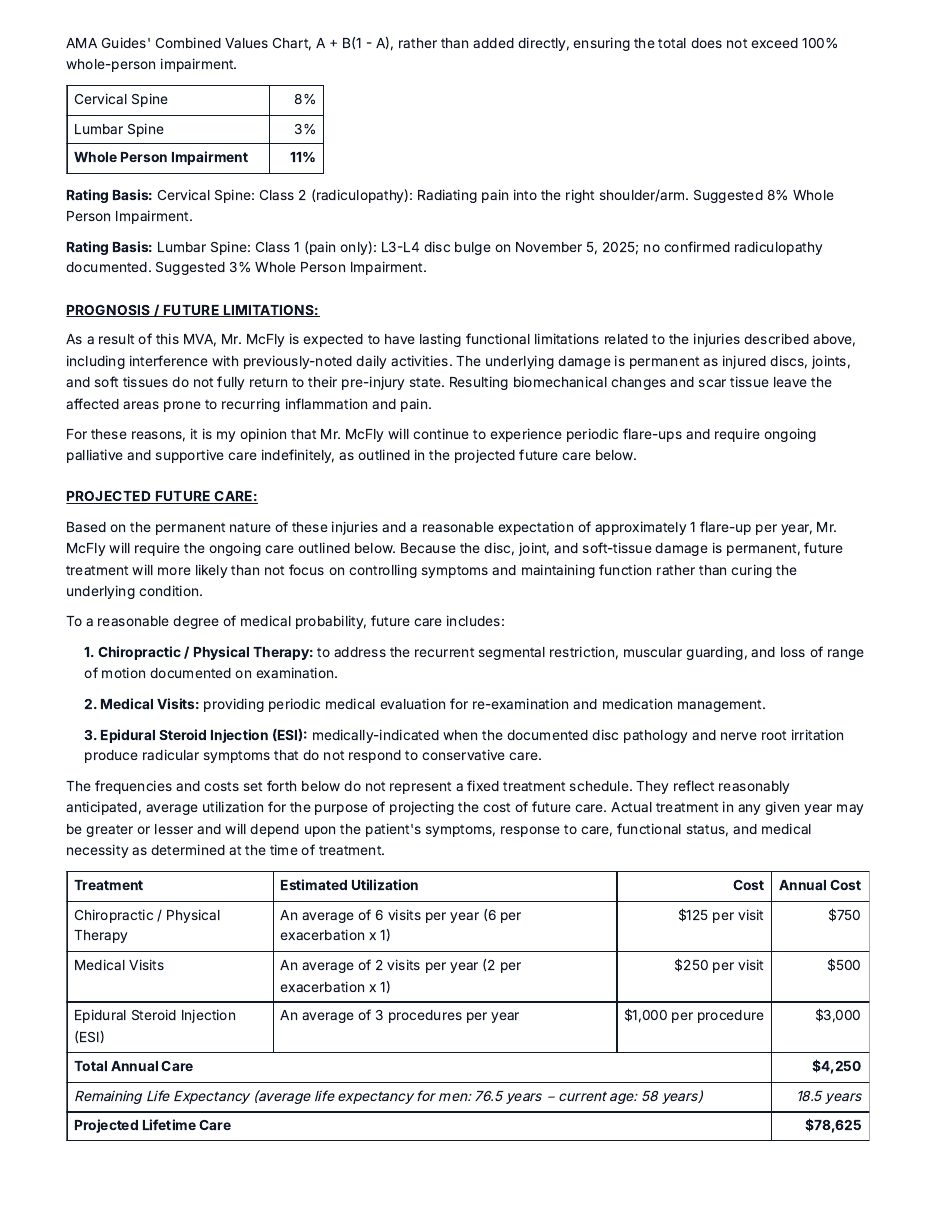
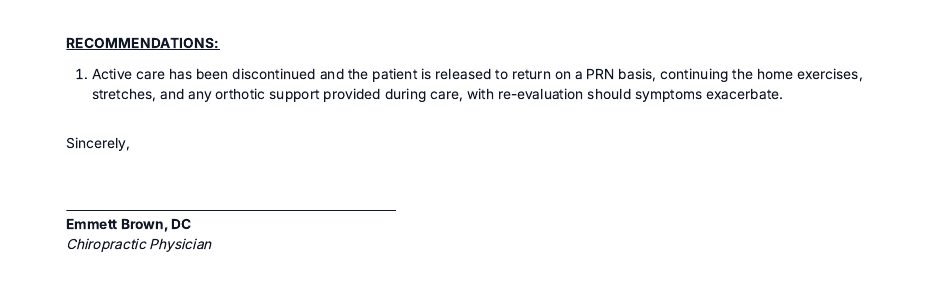
A complete sample final examination narrative: history, exam findings, diagnoses, the impairment section, prognosis, recommendations, and signature, shown across all of its pages. Open the PDF
How It Works
- 01
Start with the patient and complaints.
Enter the dates of care, then click the complaints and functional difficulties your patient reported.
- 02
Record the exam and diagnoses.
Add exam findings, imaging, diagnoses, and the care you provided. Then rate the impairment inside the narrative.
- 03
Project future care and finish.
Add prognosis and future care, review every section, then print, save as a PDF, or email the narrative.
What Is Inside This Report
- A complete clinical narrative built from your exam findings and diagnoses
- An impairment rating section inside the narrative, based on the AMA Guides
- Documentation structured the way personal injury cases demand: history, findings, diagnoses, and prognosis in one coherent report
- Your office logo, signature, and letterhead on every report, automatically
- A finished document in minutes, that you review and edit before anything goes out
Built for How You Actually Work
Your exam, your conclusions
You answer the clinical prompts and choose the findings. ChiroReports turns them into narrative prose and never invents findings. Read every section and edit anything before the narrative is printed, saved, or emailed.
Case file ready letterhead
The logo, signature, and letterhead you save once in Settings carry onto every narrative, so attorneys and adjusters receive a consistent document from your office.
Works next to your current system
There is no EHR integration to set up. Type the exam details or paste them from your EHR, then attach the finished narrative to the chart and the case file.
Created by a practicing DC who spent two decades writing reports manually.
Frequently Asked Questions
Try It on Your Next Report
Free forever plan. No credit card required.